

Step 1: Access Notification Settings
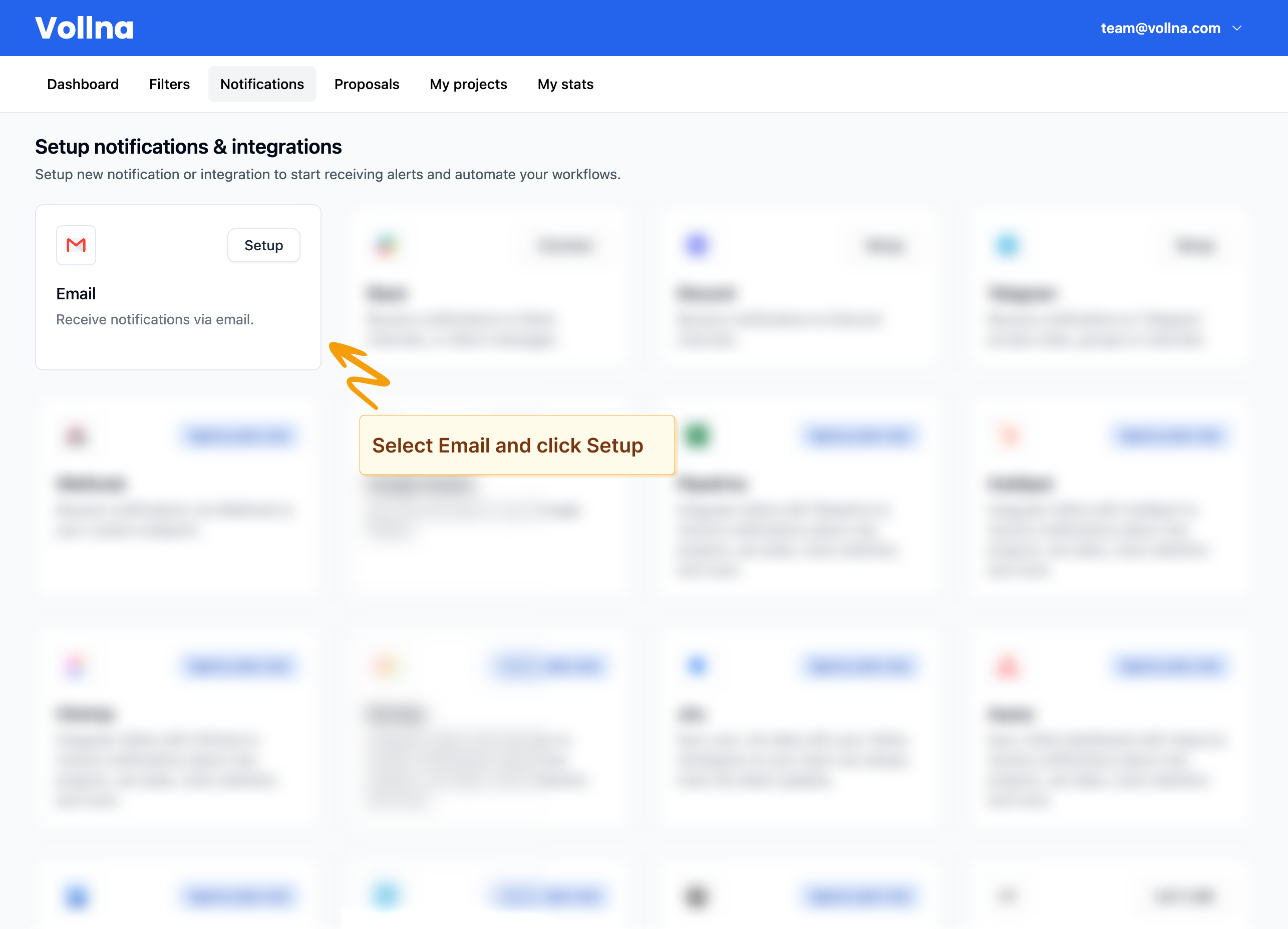
- Go to Dashboard in the main navigation menu > Notifications.
- Locate Email from the list of available integrations.
Step 2: Configure Email Notifications
- Click on Setup next to Email.
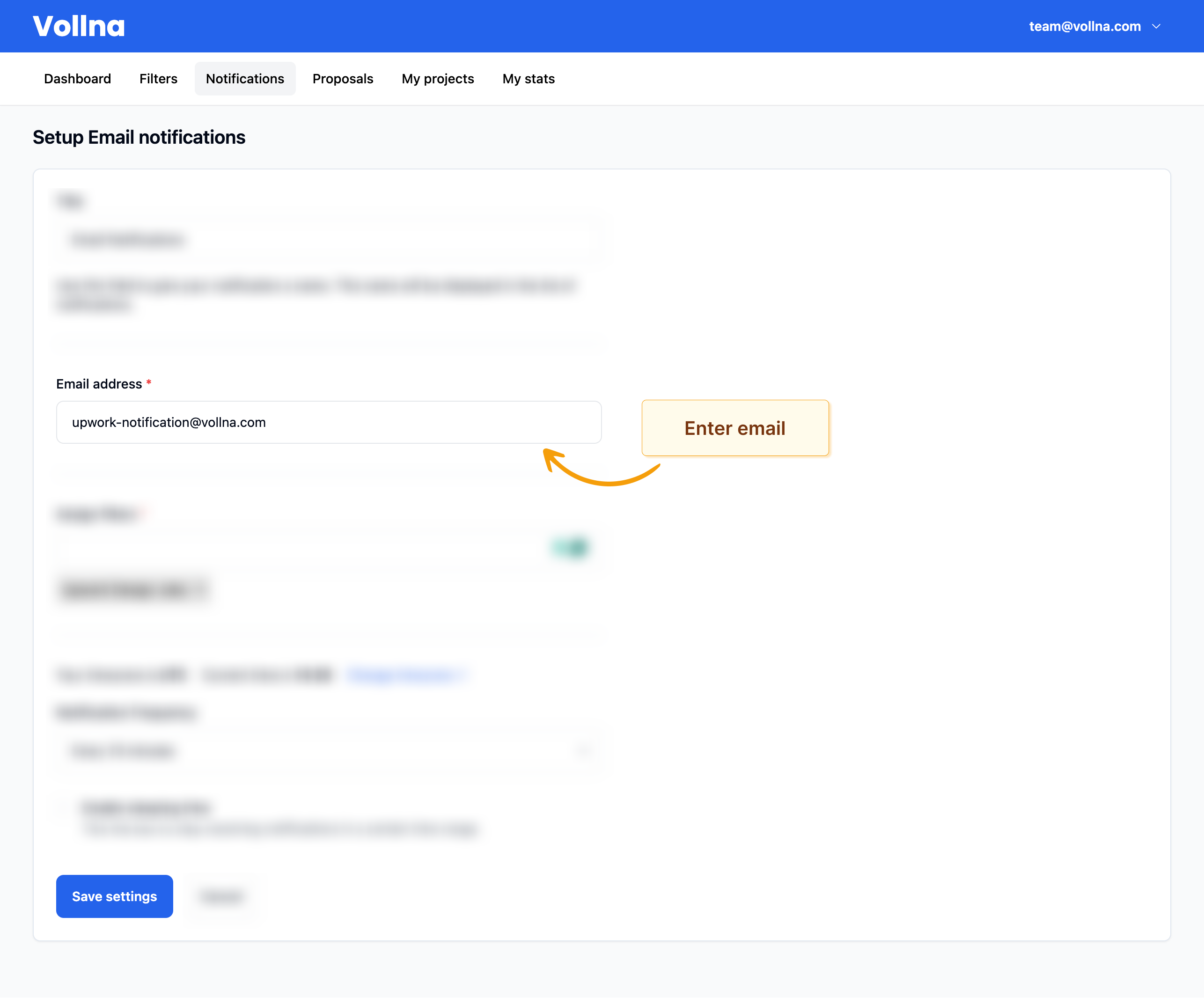
- Enter your email in the form.
- Review other settings and click on Save settings button.
Using multiple emails
If you’d like to use multiple emails, you will need to create new notifications for each email.Step 3: Assign Filters
On same page, you will be able to assign one or multiple filters to your email notifications. Read more about how to manage filtersReceive Notifications
After you’ve set up your email notifications and assigned filters, you will start receiving notifications.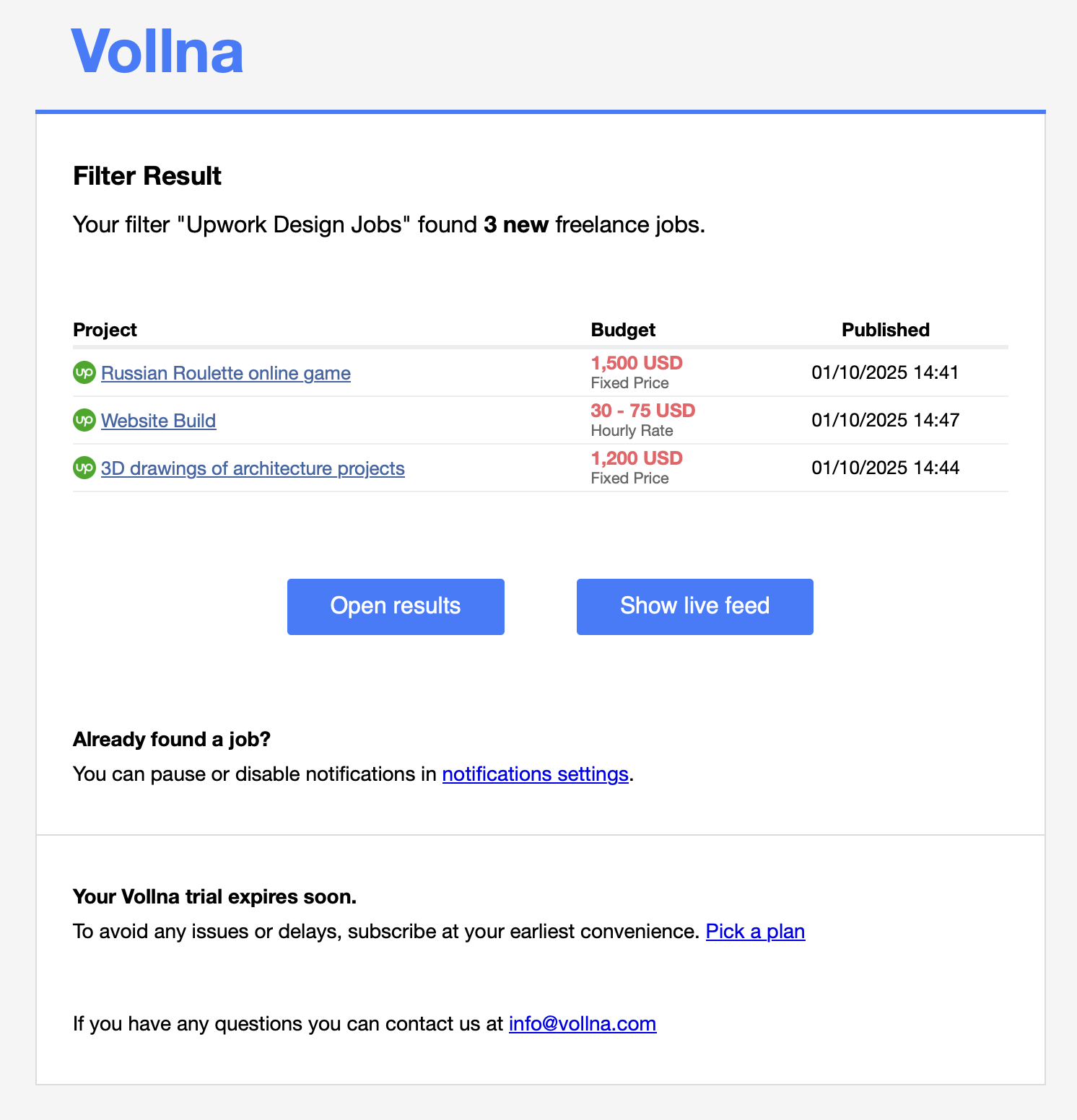
If there are more than 30 new jobs, you will receive only first 30 jobs and link to the full list of jobs.